

Subscriptions
How to Find and Cancel Unused Subscriptions
Quick Answer
Find the biller, complete its cancellation process and save the resulting status. Renewal, remaining access and refunds are separate outcomes; deleting an app does not cancel billing.
Before you call it canceled
0 of 4 checks marked
Checks stay on this page. Marking a box does not change an order or subscription.
Details & Limitations
Steps, conditions & supporting guidance
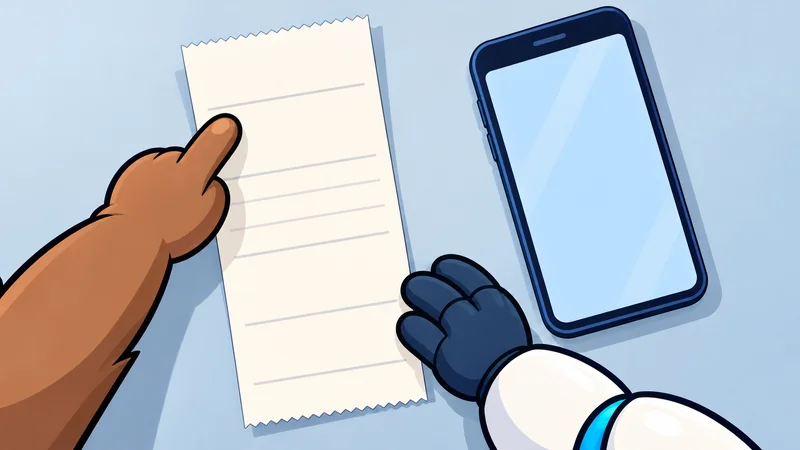
If a payment keeps appearing but the subscription is nowhere in the app’s settings, begin with the receipt. The company providing the service and the company managing the billing may be different.
1. Make a list from actual payment records
Use your own receipts, invoices, and payment statements to identify recurring charges. For each one, note the service, amount, biller, and account you think it belongs to. Check a long enough period to notice annual as well as monthly payments.
This is an inventory, not an assumption that every rarely used service should be canceled. A shared household plan or occasional-use service may still be valuable.
2. Find the biller and the right account
Use the relevant official instructions:
- Apple bills you: Apple’s cancellation help. If the plan is missing, compare the Apple Account on the receipt with the one you are checking.
- Google Play bills you: Google Play subscription help. Check that you selected the account used for the purchase.
- A service or another provider bills you directly: use its own current subscription help and the details on the receipt.
Apple also directs readers to statement information when another company handles billing. These routes are summarized from the linked official pages, checked October 18, 2026; use the current instructions for your device and region.
3. Read the commitment before changing the plan
Record the next renewal date and the term you agreed to. A monthly charge does not, by itself, tell you whether the commitment is only one month. Check whether you are ending a future renewal, requesting immediate termination, or choosing a temporary pause.
4. Finish the process and save the result
Continue through the provider’s cancellation process until its resulting status is clear. Save the confirmation or your own record of the outcome and date. Do not treat a button label, an opened page, or a requested refund as proof of the final result.
Use this small record for each plan:
| Record | What to capture |
|---|---|
| Biller and account | Who manages this exact plan? |
| Renewal status | Will another period start? |
| Access end date | When does paid access stop? |
| Remaining commitment | Are further payments due under the terms? |
| Refund outcome | Was one requested, approved, or declined? |
| Confirmation | What changed, and when was it recorded? |
5. Keep app deletion separate from cancellation
Google Play explicitly says uninstalling an app does not cancel its subscription. Google Play Apple’s developer guidance also distinguishes deleting an account with a service from ending Apple-billed auto-renewal. Apple Developer
If a later charge appears, compare its billing period and service with the saved result, then use the biller’s official support to resolve the mismatch. Do not assume a failed payment has ended an agreement.
For why retention and cancellation effort can produce this confusion, continue with Why Is It So Hard to Cancel a Subscription?.
Follow another question
How Do Free Apps Make Money? The Business Behind Free
Why Is It So Hard to Cancel a Subscription?
Why Do We Spend More to Get Free Shipping?
Editorial notes
About this explanationAdapted from TDQ production scripts and research with AI-assisted drafting. Pip and Nagi's examples are fictional. Website approval: human-approved revision. Prepared . Editorial approach.
Sources & further reading
- Apple Support — Cancel a subscription from Apple
Official help for Apple-billed subscriptions and identifying a different biller. Checked October 18, 2026.
- Google Play Help — Cancel, pause, or change a subscription
Official Google Play subscription controls, account checks and uninstalling guidance. Checked October 18, 2026.
- Apple Developer — Offering account deletion in your app
Service-account deletion and Apple subscription billing are distinct actions.